

Snipaste
Capture and edit your screen effortlessly with Snipaste
Description
Effortlessly capture and edit your screen with Snipaste, a dedicated Windows tool. It simplifies the process of taking screenshots—whether full-screen, window, or custom region selections. The built-in editor allows for immediate markup with arrows, highlights, blur effects, and text notes. Once edited, you can save, copy, or uniquely 'float' the screenshot atop other windows for continuous reference. Designed for efficiency, it supports customizable hotkeys and a streamlined interface, making it an indispensable tool for professionals, students, and anyone who regularly communicates with visual aids.
Screenshots
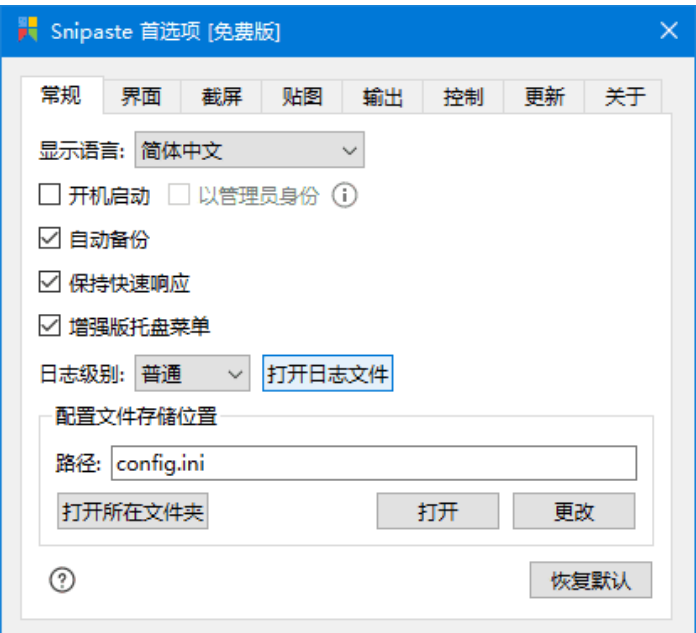
Click to view full size